
IT equipment moving takes more planning than moving desks and chairs. Computers, servers, and networking gear are costly, sensitive to knocks, and tied to your daily operations. To protect IT equipment during an office move, back up your data, label everything, pack each item in protective packaging, and keep handling to a minimum. This guide explains how, whether you’re relocating within Surrey or to another part of British Columbia.
Why IT Equipment Needs Extra Care
Office IT equipment contains delicate internal parts. A hard drive can be damaged by a rough drop, and a bent connector can leave a device unusable. Beyond the hardware, the data stored on it may be critical to your business. Careful office technology relocation protects both the equipment and the information it holds.
It also affects how quickly your team can get back to work. When equipment arrives undamaged and clearly labelled, setup at the new location is far smoother.
Before the Move: Plan and Back Up
Good preparation prevents most problems. Start at least a few weeks ahead if you can.
- Create an equipment inventory. List every computer, monitor, printer, router, switch, and server, along with serial numbers.
- Back up all data. Use cloud storage, external drives, or both. Confirm the backups open correctly before you unplug anything.
- Talk to your IT provider. They can advise on shutting down servers, disconnecting systems, and setting up at the new location.
- Photograph your setups. A quick photo of how cables connect behind each workstation saves hours later.
- Assign one person to oversee IT. A single point of contact keeps decisions clear on moving day.
Many businesses also find it helpful to review their wider office moving checklist at this stage, covering furniture, files, utilities, and internet setup alongside technology. If your move is a large one, working with a provider of commercial moving services early lets you build a realistic timeline around your IT needs.
How to Pack IT Equipment for an Office Move
Pack each category with its own needs in mind.
Computers and Monitors
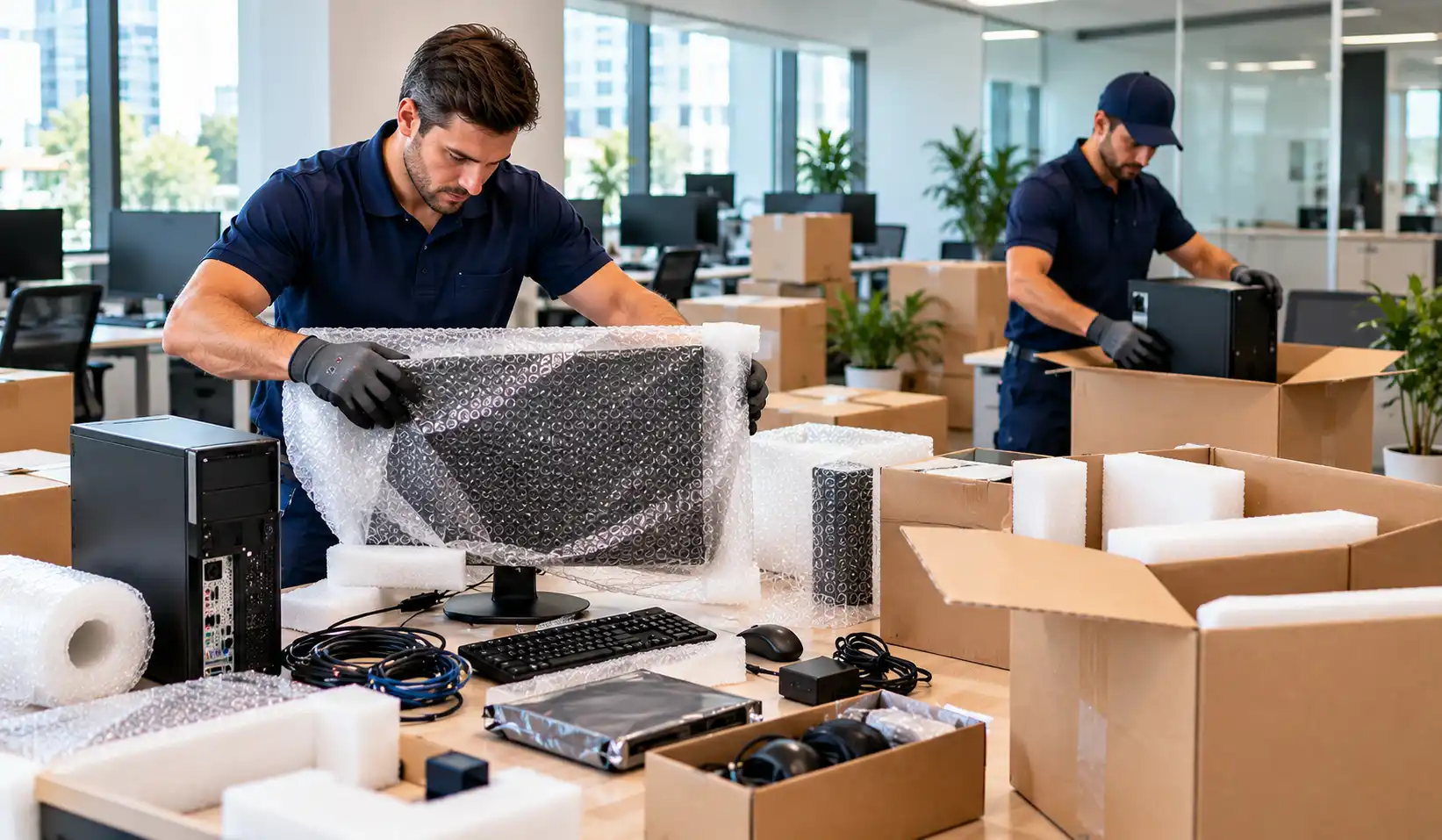
The best way to pack computers for an office move is to use the original box and foam inserts if you still have them. If not, wrap each device in anti-static or bubble wrap and place it in a sturdy box with padding on all sides. Remove laptops from docking stations and carry them separately where possible.
Monitors need extra padding on the screen side. Keep them upright, never flat, and avoid placing anything on top.
Networking Equipment and Servers
Switches, routers, and servers should be powered down properly before they are unplugged. Label each port and cable, then pack the unit in protective packaging. Server racks are heavy and awkward, so they usually need more than one person and the right equipment to lift safely.
Cables and Accessories
Loose cables tangle and get lost. Coil them neatly, bundle them with ties, and label each bundle with the device and workstation it belongs to. Keep small accessories such as power adapters, keyboards, and mice in clearly marked bags inside the matching box.
Label Everything Clearly
Mark each box with the department, the workstation or room, and a note such as “Fragile: IT Equipment.” Colour-coded labels make unpacking much faster.
How to Safely Transport Office Electronics
Packing is only half the job. Handling and transport matter just as much.
- Load IT boxes last and unload them first so they aren’t buried under heavier items.
- Keep boxes upright and never stack heavy furniture on top of them.
- Secure everything so it can’t shift during the drive.
- Protect equipment from rain and cold. In BC’s wet or winter weather, let electronics warm to room temperature before powering them on, as condensation can damage components.
Protecting Sensitive Equipment and Data
Some equipment holds confidential records. When you move sensitive office equipment, keep a clear record of who handles it and where it is at each stage. Consider transporting the most critical items, such as backup drives, with a trusted team member rather than loading them with general cargo. Never leave them unattended in a vehicle.
Moving Day Tips
- Confirm the new space has working power outlets, network access, and enough room for your equipment.
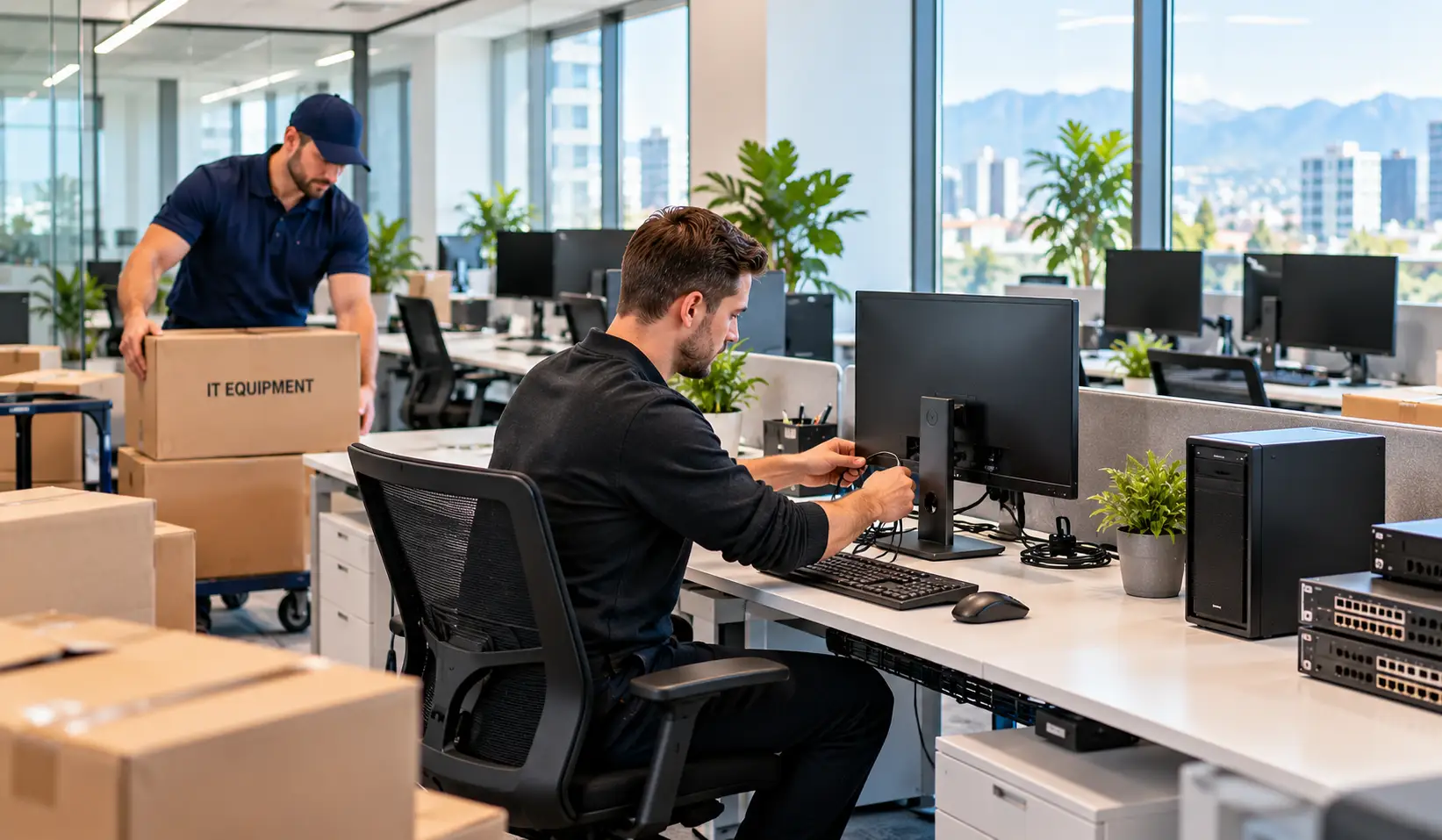
- Set up the server and network first, then individual workstations.
- Test each device before considering the move complete.
- Report any damage straight away, with photos.
When to Bring in Professional Help
Moving a few laptops is manageable on your own. Moving an entire office is a different job. Experienced office movers can provide trained crews, proper equipment, and a clear plan, which frees your team to focus on running the business.
When comparing options, ask how the company handles fragile electronics, what packing support is available, and how they protect items in transit. If your move includes servers or specialized equipment, it may be worth asking whether the company works with IT equipment movers or coordinates with your own IT provider.
Frequently Asked Questions
What are five ways to care for office equipment?
Keep equipment clean and dust-free, use surge protectors, update software regularly, keep food and drinks away from devices, and have an IT professional check it on a regular schedule.
What are the three types of equipment maintenance?
Preventive maintenance (routine care to avoid problems), corrective maintenance (repairs after a fault), and predictive maintenance (monitoring to spot issues before they occur).
What is a good strategy for managing an office relocation?
Set a timeline, assign a move lead, involve your IT team early, keep staff informed, and book your movers well in advance.
What is a good moving checklist?
Include a full inventory, data backups, labelled boxes, a floor plan for the new space, utility and internet setup, and a post-move equipment test.
What are common moving mistakes?
Skipping backups, packing at the last minute, not labelling cables, using weak boxes, and not checking the new space in advance.
What is the most stressful part of moving?
For many businesses, it’s keeping operations running while coordinating the move. A detailed plan and early preparation reduce that pressure.
Final Thought
IT equipment moving doesn’t have to be stressful. With a clear inventory, reliable backups, proper packing, and careful handling, your technology can arrive safe and ready to use. If you’d like support with your next business move, contact HR Moving to talk through your plans for relocating across Surrey and British Columbia.